
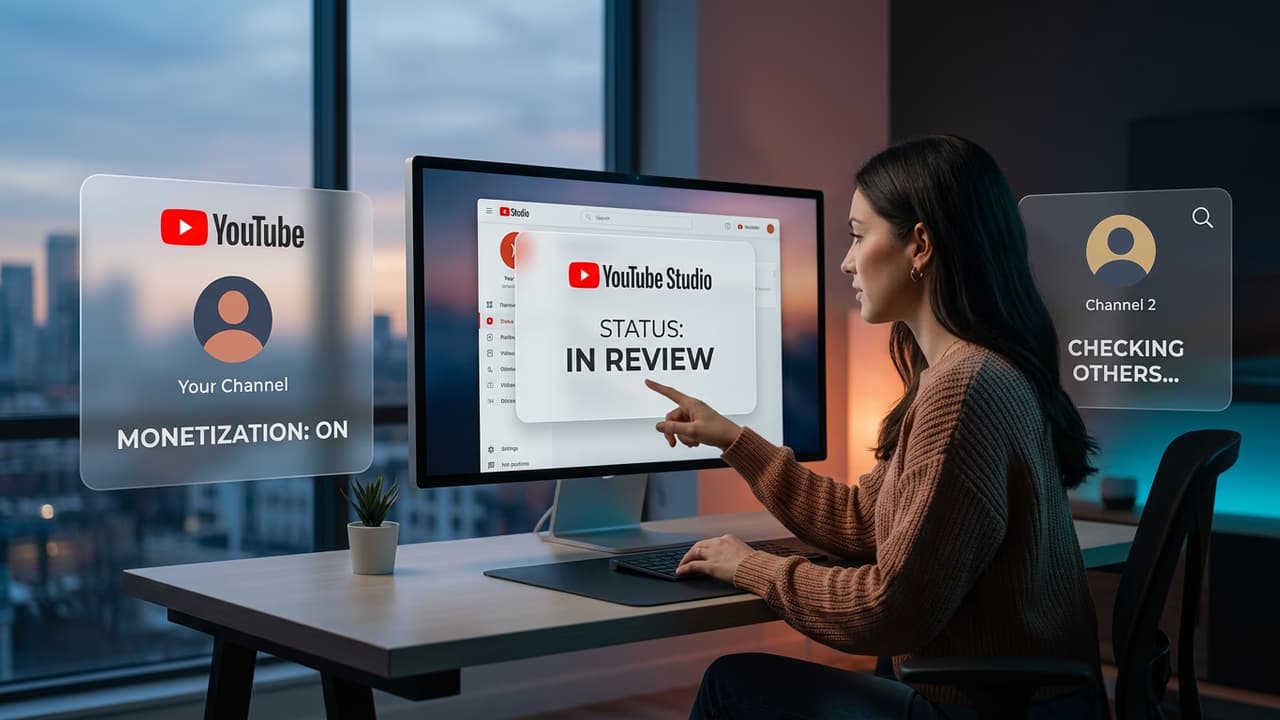
How to Check Your Own YouTube Monetization Status
Checking your own channel's monetization status takes three steps. Open YouTube Studio analytics (studio.youtube.com), click "Monetization" in the left sidebar, and read your current status. YouTube displays one of four states: Not eligible, In review, Monetisation on, or Disabled.
YouTube Partner Program Eligibility Requirements (2026)
To apply for the YouTube Partner Program and enable ad monetization, your channel must meet one of two threshold sets. The long-form path requires 1,000 subscribers and 4,000 valid public watch hours in the past 12 months. The Shorts path requires 1,000 subscribers and 10 million valid public Shorts views in the past 90 days. Once approved, use the YouTube estimated earnings dashboard to monitor your revenue in real time.
- Long-form path: 1,000 subscribers + 4,000 public watch hours (12 months)
- Shorts path: 1,000 subscribers + 10 million public Shorts views (90 days)
- Both paths: AdSense account linked, monetization policies accepted, 2-step verification enabled
- Additional requirements: no active Community Guidelines strikes, no active copyright strikes
Related Reading
YouTube Estimated Earnings Explained
What the Studio earnings figure actually means and why it differs from your final payment.
1,000 YouTube Views Earnings
What your channel earns per 1,000 views once monetisation is approved, by niche.
How Much Does YouTube Pay for 1 Million Views?
Full niche-by-niche breakdown for the 1M view milestone.
How Long YouTube Monetization Review Takes
After applying for the YouTube Partner Program, YouTube manually reviews your channel. In 2026, the typical review period is 2–4 weeks. YouTube checks that your content complies with advertiser-friendly guidelines, that your channel was not created specifically for monetization with minimal original content, and that your watch hours are authentic. During review, your channel status shows "In review" in the Monetization tab.
If your application is rejected, YouTube sends a notification explaining which policy area caused the rejection. You can re-apply 30 days after rejection. The most common rejection reasons are: insufficient original content, content that advertises are unlikely to want to run against (graphic, political, or controversial topics), and channels with a history of community guidelines issues.
How to Check if Another YouTube Channel is Monetized
YouTube does not publish YPP membership status publicly. There is no API, no badge, and no official tool that shows whether a specific channel has been approved for monetization. The best indirect method is to watch one of their recent videos. If ads play — pre-roll, mid-roll, or overlay — the channel is monetized. If you watch multiple videos with no ads at all (and you are not using an ad blocker), the channel is likely not in the Partner Program.
- Ads playing on videos: strongest indicator of monetization (turn off your ad blocker first)
- YouTube channel memberships visible: channel is in YPP at minimum
- Super Thanks or Super Chat enabled on live streams: YPP member
- Merch shelf visible below videos: YPP member
- No ads on any video despite high view counts: likely not monetized, or monetization disabled
Why Some Large Channels Are Not Monetized
View count and subscriber count do not guarantee monetization. Some large channels are not in the YouTube Partner Program because their content violates advertiser guidelines — topics like politics, graphic news coverage, or adult humor frequently fail YPP review. Other channels have been removed from YPP for repeated community guidelines violations. A channel with millions of views and no ads is almost always in one of these categories.
What Happens to Earnings After Monetization is Approved
Once YouTube approves your monetization application, ad revenue begins accumulating in your AdSense account. YouTube pays out when your balance reaches $100 through Google AdSense. For most new creators, this means waiting 3–6 months before receiving a first payment, depending on monthly view volume and niche RPM. To forecast how long that takes, see what 1,000 YouTube views earns in your content category.
Estimate Your YouTube Earnings
Now that you understand monetization status, see what your channel could earn once approved. Enter your monthly views and niche for a niche-adjusted estimate.
Use the YouTube Earnings Calculator