
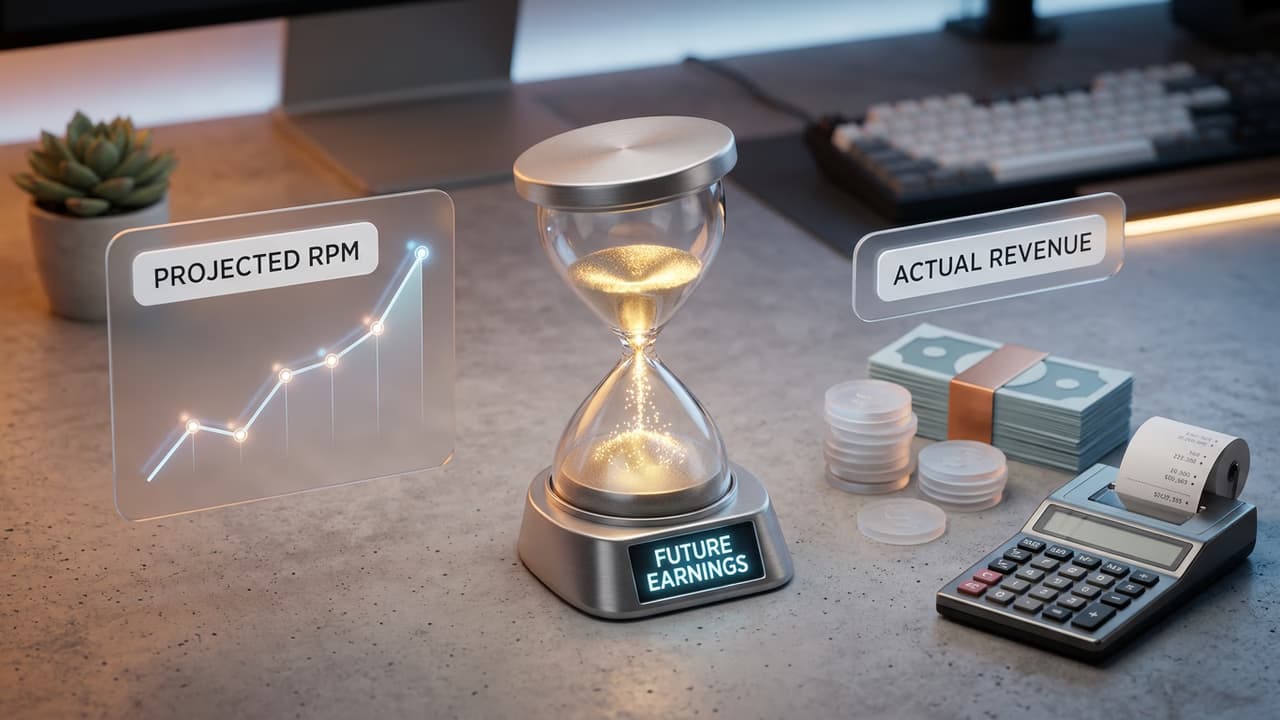
What Projected RPM Means in YouTube Studio
YouTube Studio displays projected RPM in the Revenue analytics section as a forward-looking estimate of what your channel will earn per 1,000 views based on current advertiser demand and recent performance. It is distinct from your actual RPM (which reflects finalised, settled revenue) and from your YouTube estimated earnings (the running dollar total for the current payment period). Understanding the relationship between RPM vs CPM is the foundation for interpreting projected RPM correctly: RPM is the after-cut rate you keep, while CPM is the gross advertiser rate. Projected RPM is most useful for forecasting what a new batch of views will earn before the data settles.
Why Projected RPM Is Usually Higher Than Final RPM
Three factors cause projected RPM to overshoot the final settled figure:
- Invalid traffic deductions: YouTube removes clicks and ad impressions that violate advertiser policies. These are caught and deducted after the projection is calculated, typically at month end. The deduction reduces your final RPM below the projected figure.
- Advertiser late reporting: some programmatic advertisers settle their invoice data 2–7 days after ads run. Projected RPM uses early estimates; actual RPM reflects the final settled amounts, which can be slightly lower.
- Seasonal CPM shifts within the month: if advertiser demand drops mid-month (common in early January after holiday budgets are exhausted), projected RPM calculated from the first half of the month will be higher than the blended actual RPM for the full month.
Related Reading
YouTube RPM vs CPM Explained
The difference between RPM and CPM, and why projected RPM is always a net figure.
YouTube Estimated Earnings
How the estimated earnings figure in YouTube Studio relates to your projected RPM.
YouTube Earnings per 1,000 Views
Niche RPM benchmarks to compare against your own projected RPM.
Projected RPM vs Estimated Earnings vs Actual RPM: The Differences
YouTube Studio surfaces three related but distinct metrics in the Revenue analytics panel. Understanding which one to use for which purpose prevents common misinterpretations:
- Projected RPM: a rate estimate. Use it to forecast what new views will earn. Best for planning, not accounting.
- Estimated earnings: the running dollar total for the current payment period. Use it to track how close you are to the $100 AdSense payout threshold. Will be revised downward at month end.
- Actual/finalised RPM: your true earnings rate after all adjustments. Only available for closed payment periods. Use this for historical benchmarking and niche comparisons.
When Projected RPM Spikes or Drops Suddenly
Sudden changes in projected RPM are often caused by audience or content composition shifts rather than underlying changes in your channel's monetisation. A viral video attracting a large volume of international traffic dilutes your blended RPM; see our earnings by location guide for how different countries affect per-view rate. A video in a higher-CPM sub-topic can spike it temporarily. Projected RPM reflects the trailing composition of your recent views and responds to content mix changes faster than finalised RPM. Benchmark your projected RPM against the YouTube earnings per 1,000 views data for your niche to see if you are tracking above or below average. YouTube Studio Revenue analytics is where you monitor these trends in real time.
How to Use Projected RPM to Improve Your Channel Strategy
- Compare projected RPM across content types: if your Finance explainers show $18 projected RPM and your entertainment-style videos show $4, the data is telling you where to focus
- Monitor seasonal trends: projected RPM typically rises in October–November (Q4 ad spend) and falls in January; use this to time your highest-effort content
- Track projected RPM alongside view count: flat views with rising RPM means better monetisation without needing more traffic, which is a strong position
- Use projected RPM to evaluate new niches: if you experiment with a new content category, projected RPM on those videos tells you the monetisation efficiency before you commit to the topic
See What Your RPM Should Look Like
Compare your projected RPM to niche benchmarks. Enter your content category and audience location for a realistic 2026 RPM range.
Use the YouTube Earnings Calculator